
You may have some high-value items in your store that you want customers to request a quote for rather than purchasing directly in your online store. To do this you can add a bit of code to your product description to create a 'request a quote button'.
There are a few different options to choose from so that you can decide how your button works.
Option 1: button links to a page
You may want a button that redirects the customer to a specific page where they can fill out a form or read more information. To do this, please follow the steps below:
1. Edit the product that you would like to add a button to, you can do this by clicking on the edit pencil on your store page.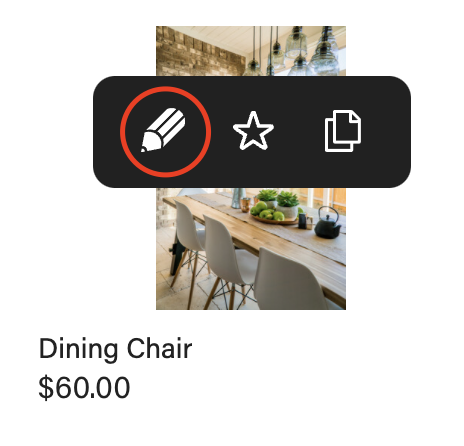
2. Set the product to catalogue-only mode, this will ensure that customers cannot buy the product online and will need to request a quote.
3. In the product description you will want to change to HTML format by clicking on the <> icon.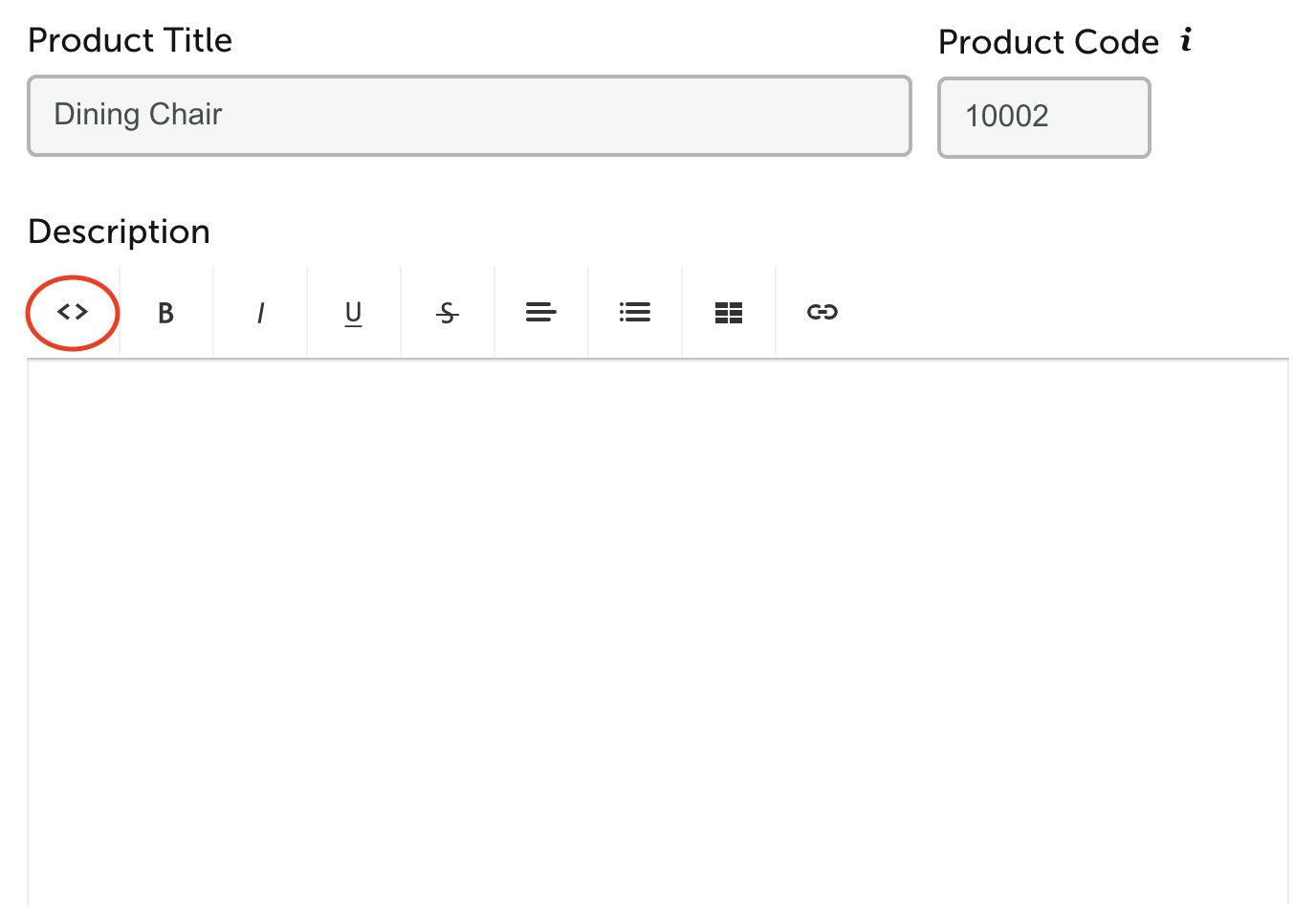
4. Here you will want to add in the following code, replacing the bolded text with your own.
<p><a href="/page name/" class="basket-button shop-button fill" style="color:#FFFFFF;><span class=" text"="">Text on button<span class="icon"></span></a>
5. Click save and this will start to show in the product description.
Option 2: The button opens up an email
This option is to create a button that opens up an email that is partially pre-filled - this is great if you want customers to email you with the subject line pre-filled so that it's easy to reference.
1. Edit the product that you would like to add a button to, you can do this by clicking on the edit pencil on your store page.
2. Set the product to catalogue-only mode, this will ensure that customers cannot buy the product online and will need to request a quote.
3. In the product description you will want to change to HTML format by clicking on the <> icon.
4. Here you will want to add the following code, replacing the bolded text with your own.
<p><a href="mailto:Add your email address here?subject=Email subject line&body=If you woudl like there to be prefilled body text of an email you can add it here" class="basket-button shop-button fill" style="color:#FFFFFF;><span class=" text"="">Enquire Here <span class="icon"></span></a></p>
5. Click save and this will start to show in the product description.
If you get stuck please get in touch with us and we will be happy to help.